
Everything your pickleball club does day to day, in one place.
Public page, members, sessions, challenge ladders, quests and statistics. A single platform, for your players every day.
- A professional showcase that anyone can see
- Club admin in a single tool
- Club ranking and player of the week, with no setup
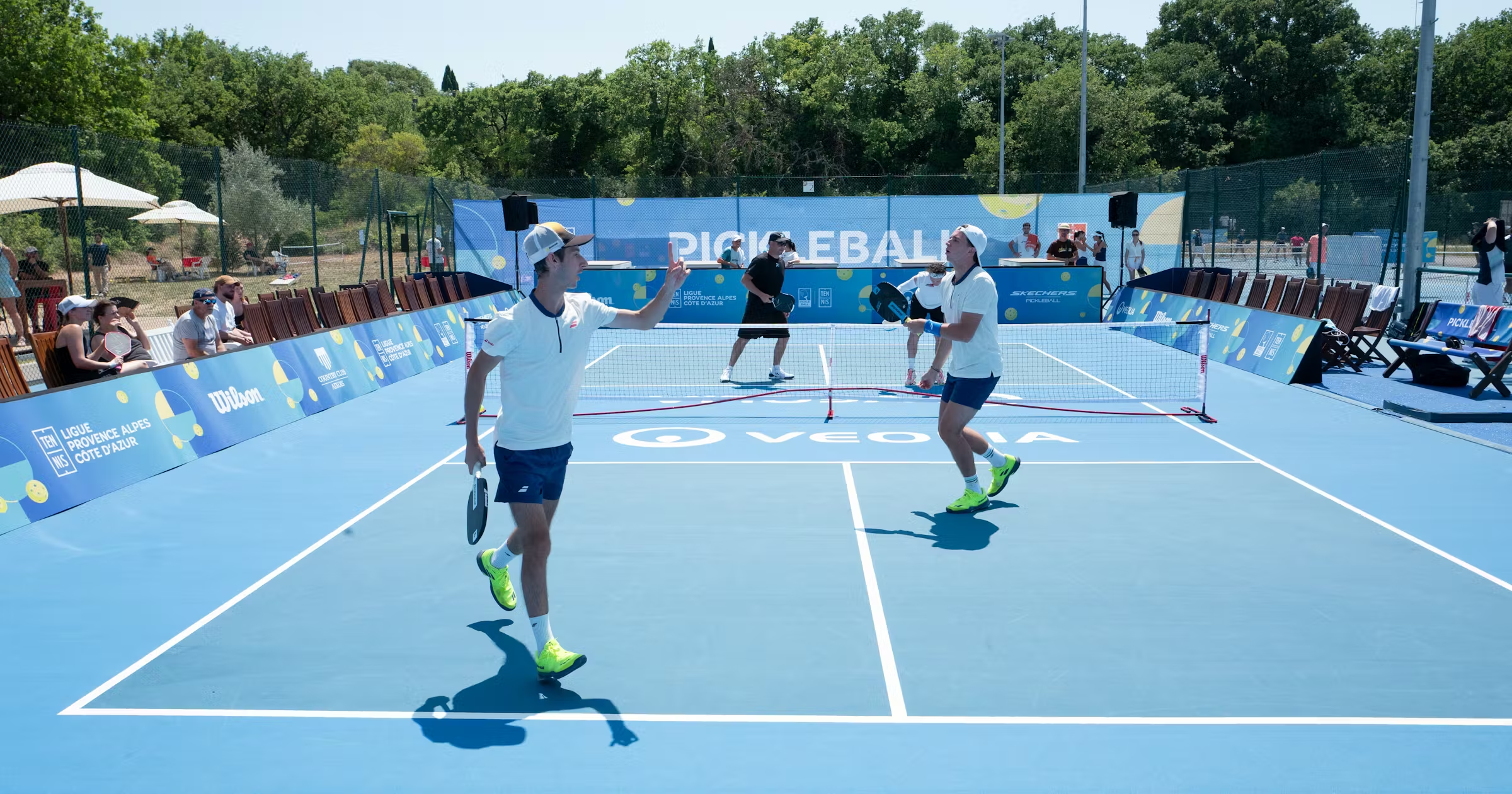
01 · Public page
A polished showcase, without writing a line of code.
Every club has a public page at its own address: presentation, club figures, gallery, team, honours, upcoming sessions, fees, opening hours and map, testimonials, FAQ, partners, membership requests and contact. A section appears as soon as it is filled in.
Visible at pickledeck.com/c/your-club as soon as you publish it
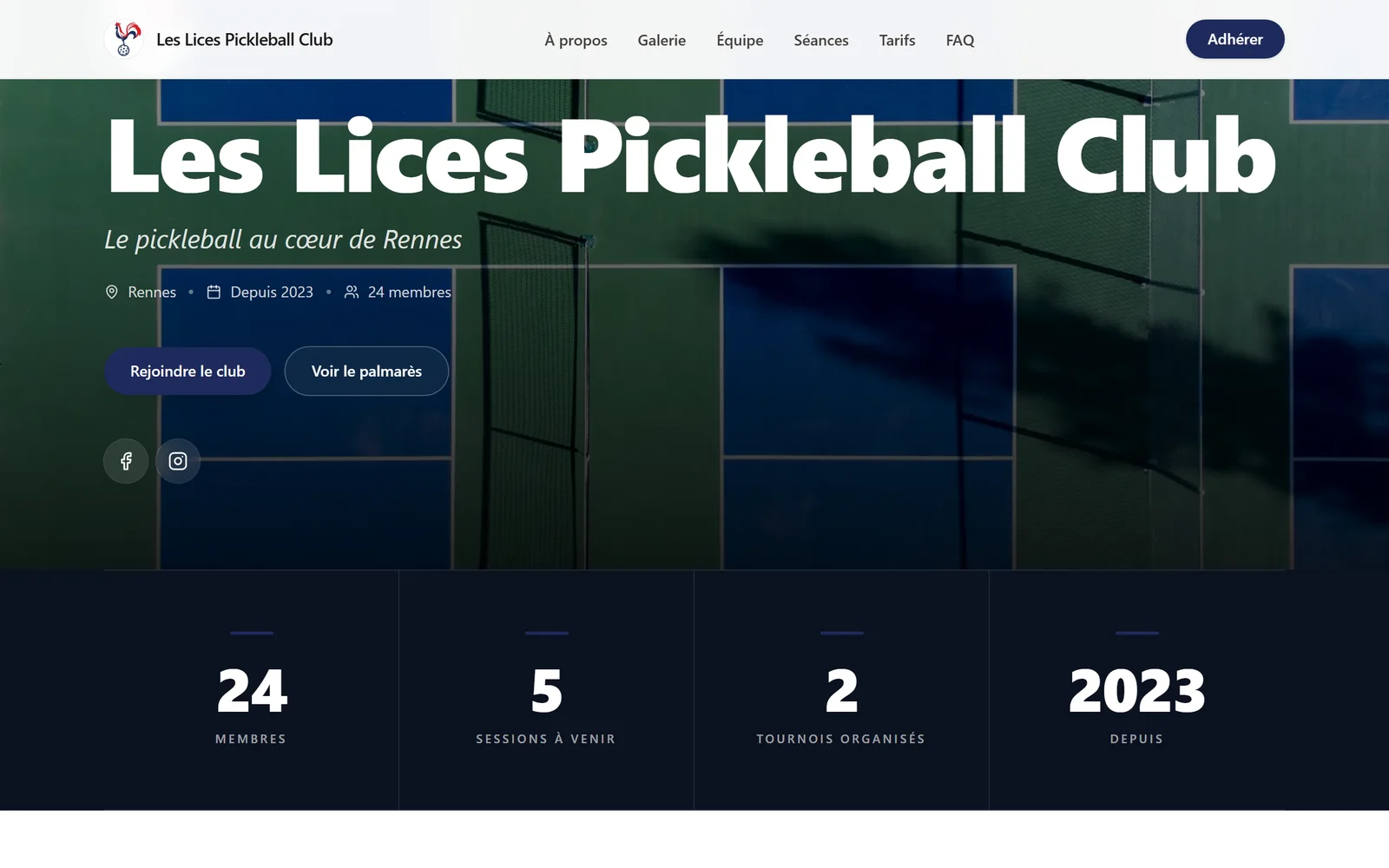
Included in this section
- Header in your colours: name, logo, tagline, banner
- Club figures: members, upcoming sessions, tournaments organised, year founded
- Presentation text, up to 2,000 characters
- The next five sessions, with the places left
- Club photo gallery
- Team: name, role, photo and a few words
- Club honours: year, title, description
- Membership fees on display
- Opening hours and map (OpenStreetMap)
- Member testimonials
- FAQ: your questions and answers, in the order you choose
- Partners with logo and link
- Membership requests through a form, contact by email and phone
02 · Visual identity
Your colours, your logo, your banner.
From the console, you set the colours, the logo and the banner, then each collection on the page: gallery, team, honours, fees, FAQ, testimonials, partners. The main colour also dresses the club's space on the player side.
One colour, used on the public page and in the club's space
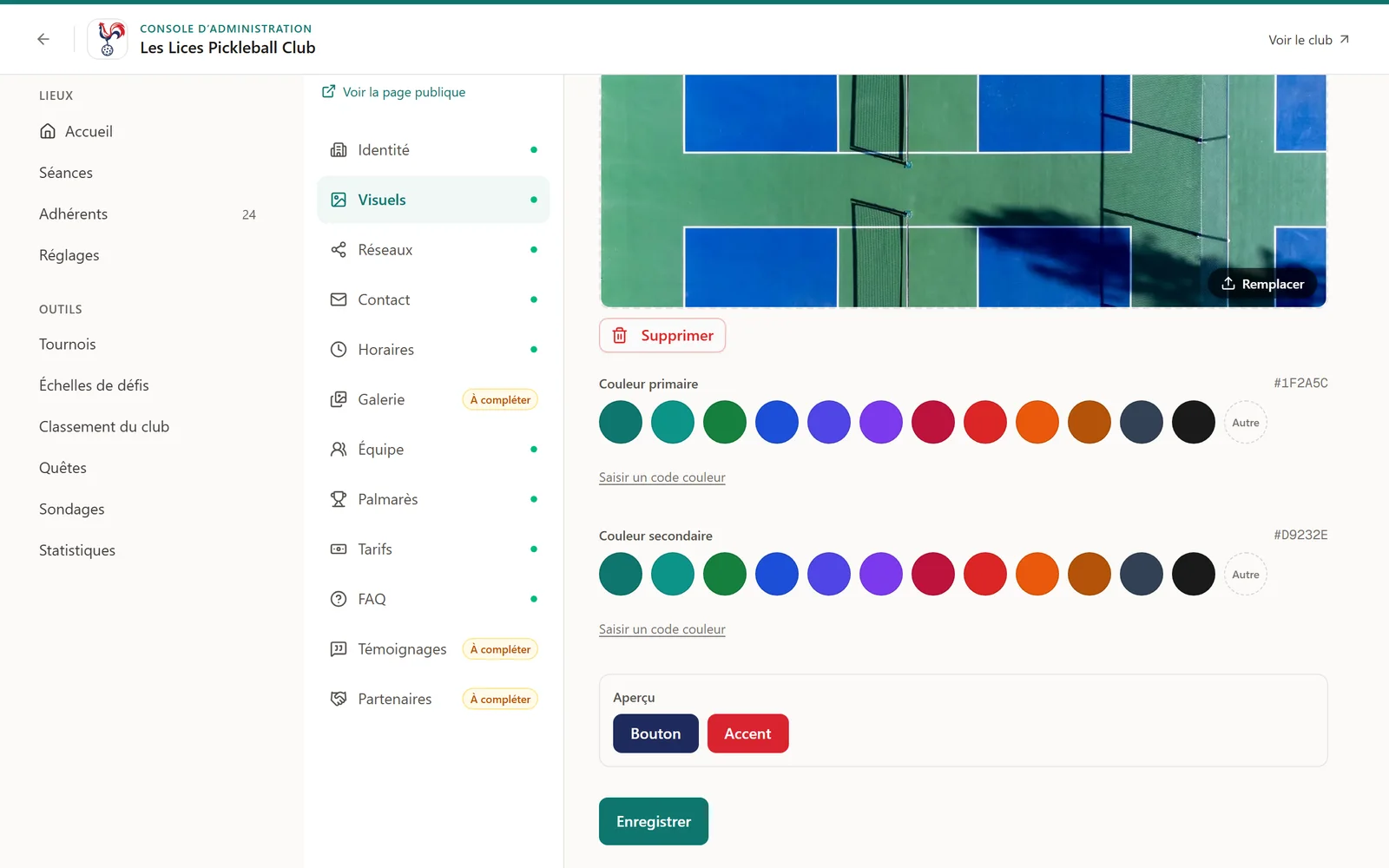
Included in this section
- The club's main and secondary colours
- A square logo and a banner
- A preview of the buttons in your colours before you save
- Twelve panels to fill in, with a marker on those still to complete
- Photos, team members, questions and partners can be reordered
- Links to your social networks
- An empty section is not shown
03 · Members
The club's admin, without a shared spreadsheet.
Members, invitations, membership requests, roles and groups: everything happens in one place.
Invitations, requests and roles on a single screen
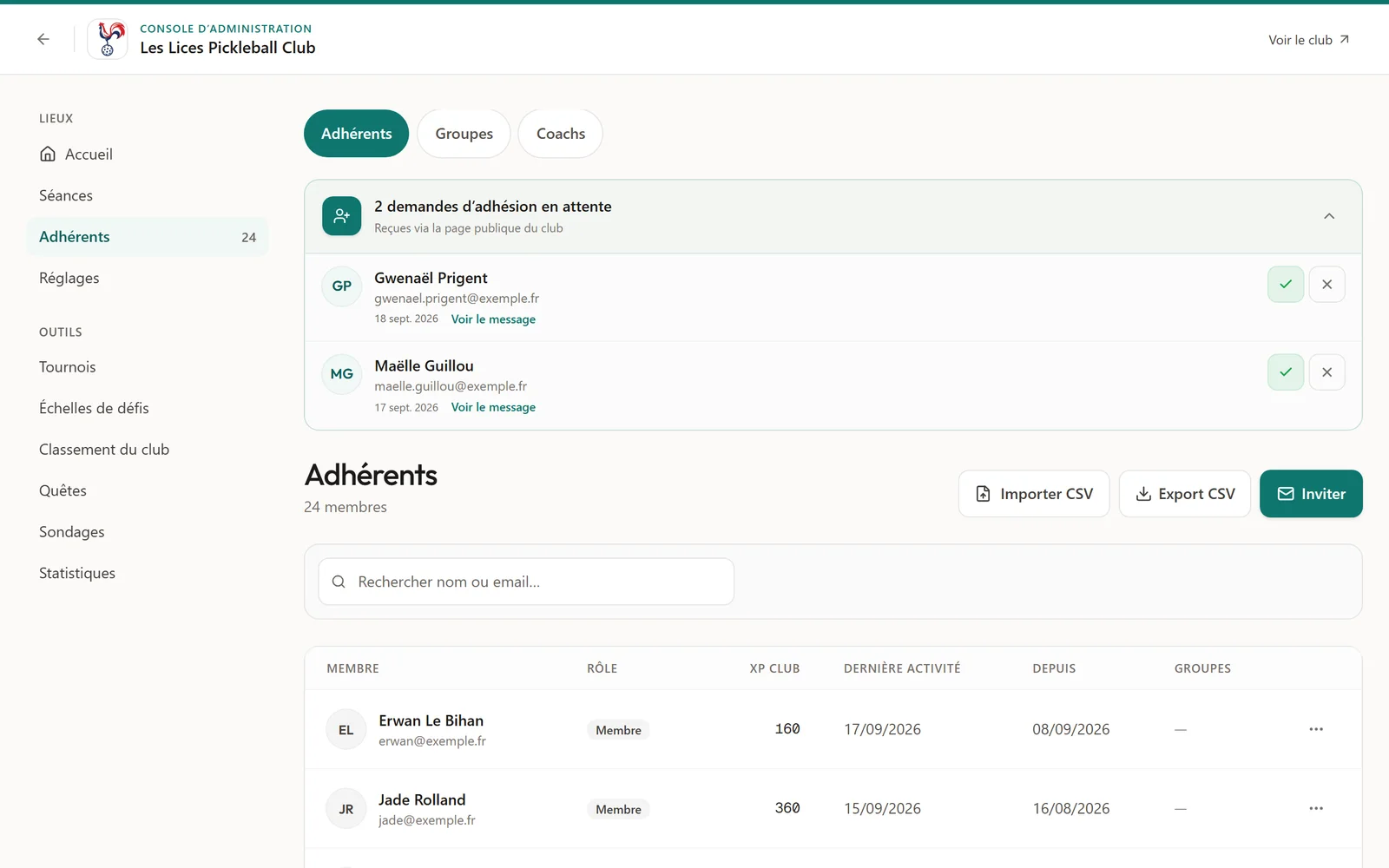
Included in this section
- Email invitations, with reminders and reply tracking
- An invitation link to share, with its QR code
- Membership requests: open membership or approval required
- Three roles: owner, admin, member. Ownership can be transferred.
- Member groups
- CSV import with a check before confirming, CSV export of the filtered list
- Two automatic welcome emails: on the day of joining and three days later
- Club coaches: open slots that members can reserve
04 · Sessions
Sessions that fill up and run themselves.
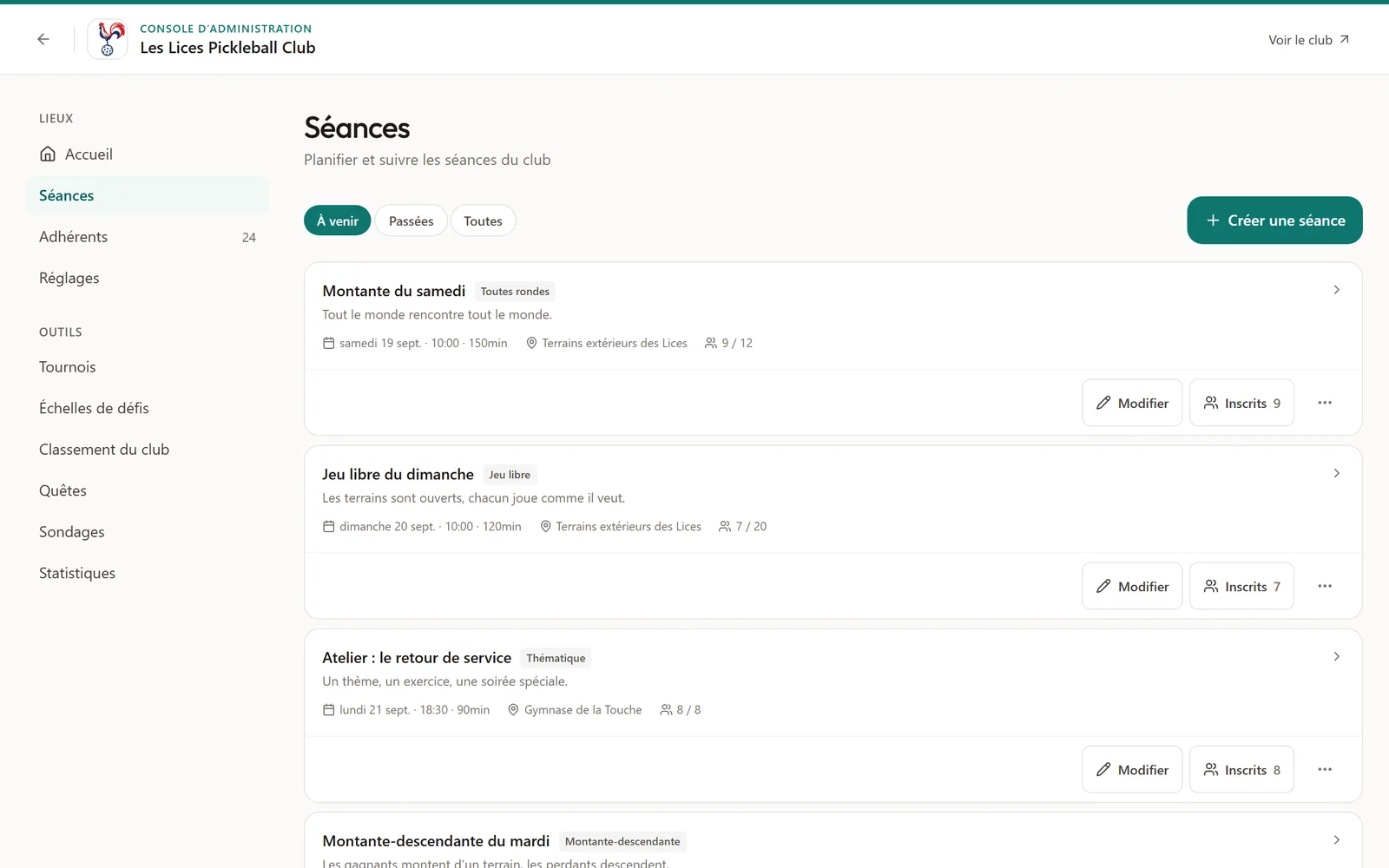
Six session types: open play, americano, up and down the river, round robin, coached lesson, themed session. Recurring series, self-service sign-up, waiting list and reminders.
A series set up once, its dates created automatically
Included in this section
- Daily, weekly or monthly series, with breaks for the holidays
- The next dates of a series are created automatically
- Self-service sign-up and cancellation
- Waiting list: a freed place is offered to the next person
- A series' regulars are signed up automatically for every date
- Reminders 24 h and 2 h before, and a fill-up reminder at 48 h if you wish
- Four formats run by the platform: americano, up and down the river, Swiss rounds, round robin
- Score entry on the phone and the evening's standings
- Attendance sheet: present and absent
- Sessions restricted to a DUPR rating range
- Upcoming sessions shown on the club's public page
05 · Challenge ladders
An internal ranking that lives all year round.
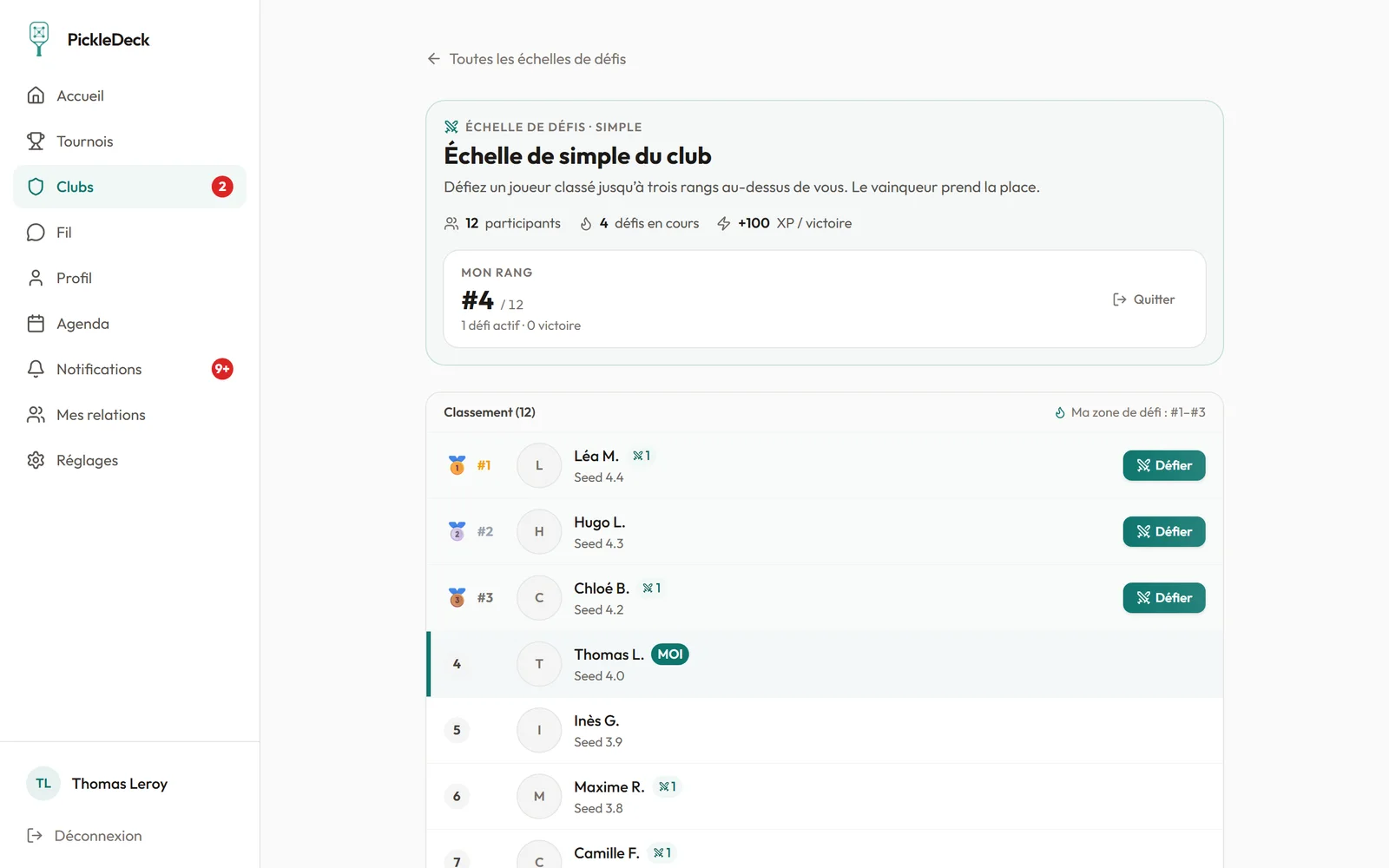
Ladders internal to the club. Everyone challenges a player ranked above them; a confirmed result swaps the ranks. A challenge left unanswered ends in an automatic walkover.
Players organise themselves, the manager decides if needed
Included in this section
- Three formats: singles, doubles with fixed pairs, rotating doubles with an individual ranking
- Starting rank calculated from DUPR and FFT points
- Challenges limited to the ranks just above: from 1 to 10, as you choose
- Automatic walkover after the reply deadline, reminder the day before
- Ranks swapped as soon as the result is confirmed
- Automatic confirmation of the result after 48 h without dispute, adjustable deadline
- Disputed result: the manager decides the winner
- Challenges sent and received, viewable by each player
06 · Quests
Goals that give players a reason to come back.
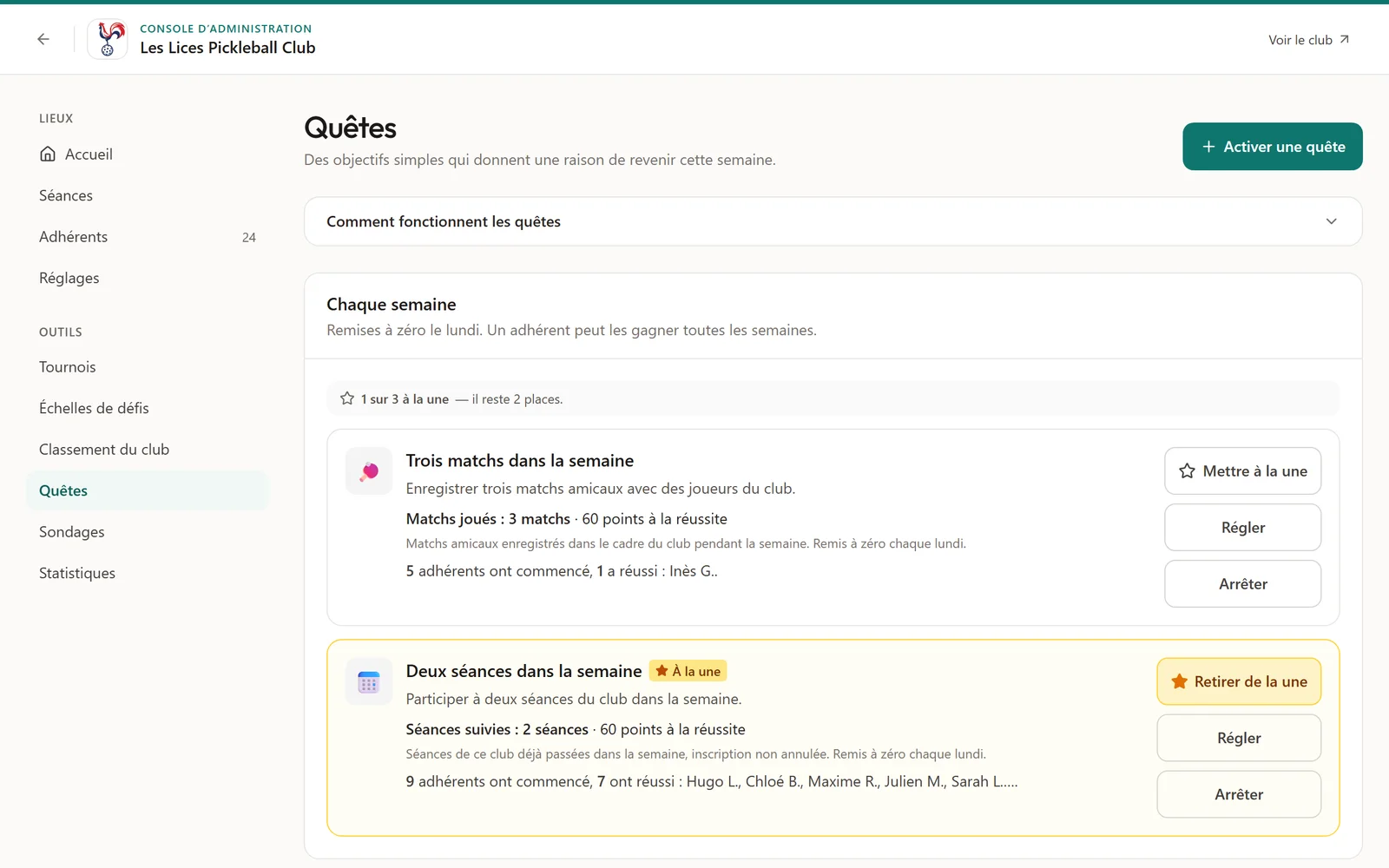
A catalogue of eight quests to switch on: come to sessions, play matches, string wins together, earn points. Rewarded in XP. Weekly quests start again from zero every Monday.
Eight ready quests, switched on in one click
Included in this section
- Eight ready-to-use quests, switched on in one click
- Adjustable goal and reward for each quest
- XP rewards, and a title to wear for seven days
- Up to three featured quests on the club's home page
- Progress tracked in the console: who is progressing, who has finished
- Automatic reset every Monday
- Player of the week and player of the month chosen automatically
07 · Statistics
Know whether the club is thriving, and who to win back.
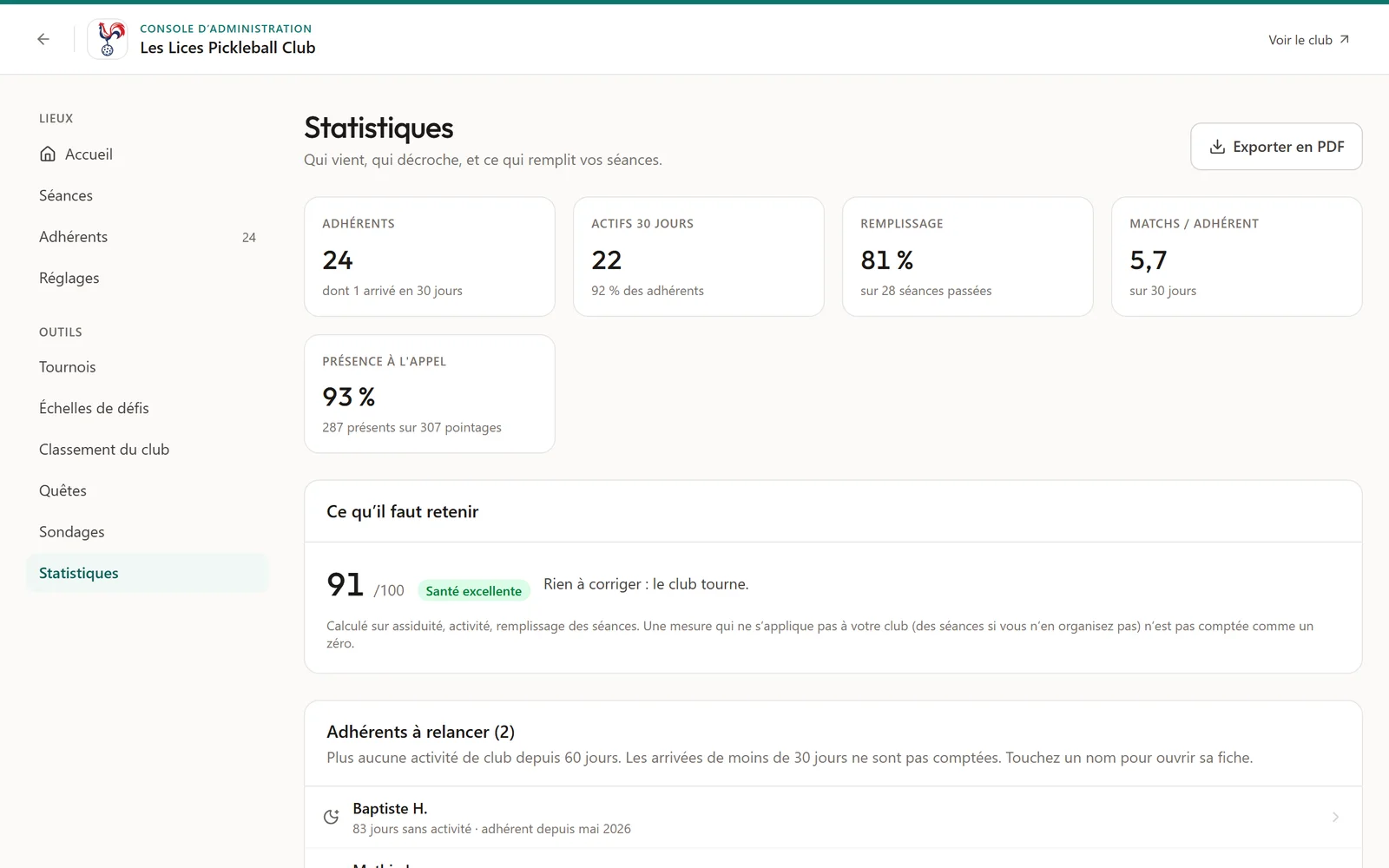
A health score out of 100, activity over twelve months, the loyalty of new members and the list of those you no longer see. PDF export.
A PDF ready for the committee
Included in this section
- Health score out of 100: attendance, activity, session fill rate
- Active members, fill rate, matches per member, attendance at roll call
- Matches, new arrivals and sessions created, month by month
- Retention at 30, 60 and 90 days, by month of arrival
- Members to win back: the named list of those who no longer play
- Best-filled sessions and most active members of the month
- PDF export of the statistics, from a browser
At a glance
Everything PickleDeck does for your club.
Seven areas, all available as soon as the club is created. No module to unlock separately.
Live example
See a real club page
See what a PickleDeck club page looks like in real conditions. A section appears as soon as it is filled in.
The 14 sections of the public page
An empty section is not shown. The order of photos, questions or partners is set from the console.
Your club deserves a platform that matches its ambitions.
Public page, sessions, challenge ladders, quests and statistics. Up and running in a few minutes for your existing club.